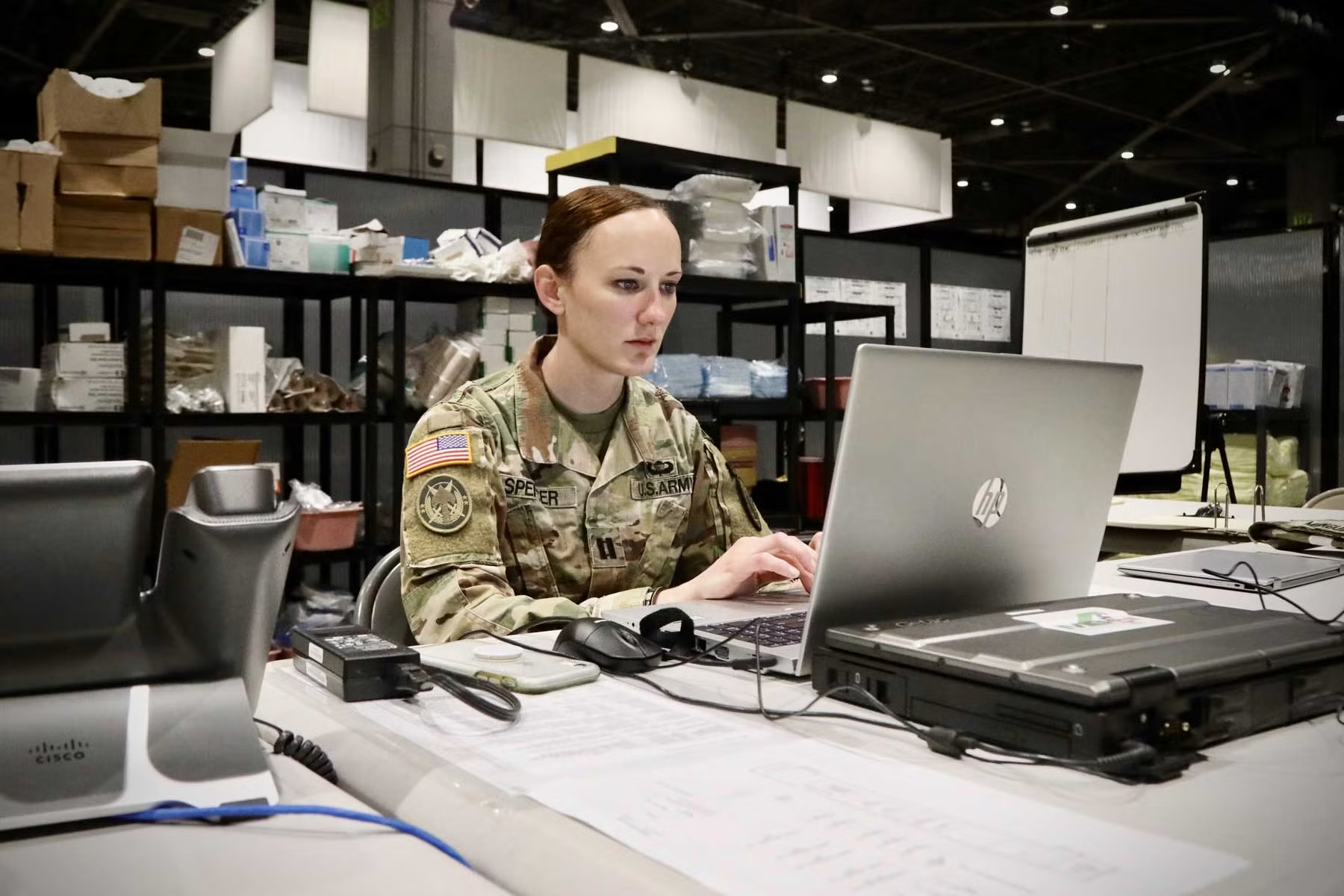
Military personnel and Department of Defense users rely heavily on official email for communication, scheduling, documents, notifications, and day-to-day operations. For many users, Outlook military email is an essential part of accessing official correspondence and staying connected to their organization.
Unlike an ordinary personal email account, military email access can involve additional security requirements. Depending on the organization and environment, users may need a Common Access Card (CAC), appropriate certificates, an approved computer configuration, or an authorized remote-access method.
This can make the login process confusing, particularly for someone accessing military email from a different location or using a newly configured computer.
This guide explains how military Outlook email generally works, what Outlook Web Access (OWA) is, how CAC authentication fits into the process, how Army 365 webmail differs from older enterprise email systems, and what to do when you encounter common access problems.
Because military systems and access procedures can change, always follow your service branch’s current instructions and your organization’s IT guidance.
What Is Outlook Military Email?
Outlook military email refers broadly to Microsoft Outlook-based email services used by the U.S. Department of Defense and its military organizations.
These systems provide official communication capabilities for eligible service members, DoD civilians, contractors, and other authorized personnel.
Military email environments can differ between services and organizations. The Army, Navy, Air Force, Marine Corps, Space Force, and other DoD organizations may use different portals, configurations, or access procedures.
The common element is that these are controlled government information systems rather than ordinary consumer email services.
Why Is Military Email Different?
Military email systems have additional security requirements because official communications can involve sensitive government information.
For example, a CAC can be used to authenticate eligible users and support secure email functions. DoD documentation explains that certain government systems and email capabilities can require a DoD-approved email certificate on the user’s CAC.
This additional authentication helps ensure that only authorized personnel can access protected resources.
What Is Outlook Web Access (OWA)?
Outlook Web Access, commonly called OWA, is a browser-based version of Outlook.
Instead of opening the full desktop Outlook application, an authorized user can access email through a web browser.
The U.S. Marine Corps describes OWA as a CAC-enabled, web-based email client with the look and feel of Outlook.
For some DoD environments, OWA provides a convenient way to check official email without configuring the complete Outlook desktop application.
Military Email Through a Web Browser
A browser-based approach can be useful when:
- You are working remotely.
- You are using an authorized government computer.
- You need quick access to email.
- Desktop Outlook is not configured.
- Your organization specifically directs you to use OWA.
However, access requirements vary by organization.
For example, an official Army installation currently lists Army 365 webmail at webmail.apps.mil/mail, while other DoD documentation references OWA through web.mail.mil.
This illustrates why users should follow their organization’s current instructions rather than relying on an old generic login guide.
How to Access Outlook Military Email
The exact process depends on your branch, organization, account type, and network environment.
In many environments, a CAC-enabled computer and appropriate DoD certificates are part of the authentication process.
Step 1: Use an Authorized Device
Begin with a government-managed computer or another device explicitly permitted by your organization for remote access.
Some military organizations provide specific instructions for accessing OWA from approved personal computers, while others may restrict remote access or require additional security controls.
Do not assume that every personal computer, public computer, or mobile device is authorized.
Step 2: Connect Your CAC
If your organization’s email system requires CAC authentication, insert your CAC into a compatible smart-card reader.
The computer must also have the appropriate drivers, certificates, and middleware configured.
An official U.S. Army Reserve resource, for example, identifies an active account, CAC-enabled computer, and DoD certificates as prerequisites for one of its remote-access environments.
Step 3: Open the Official Email Portal
Use the web address supplied by your service branch or organization.
Do not rely on random websites that appear in search results.
Official military login pages can change as systems migrate or organizations adopt newer Microsoft 365 environments.
Step 4: Select the Correct Certificate
When CAC authentication is required, your browser may display multiple certificates.
The correct certificate depends on the system’s authentication requirements.
Older official military instructions distinguish between authentication and email/signature certificates, demonstrating why selecting the appropriate certificate matters.
If you are unsure which certificate your current system requires, follow your organization’s current instructions or contact its IT help desk.
Step 5: Accept the Government Warning Banner
Government systems commonly display an authorized-use or warning-and-consent notice.
Read and accept it only if you are authorized to use the system.
After authentication, you should be directed to the appropriate Outlook or webmail interface.
Army 365 and Military Outlook Email
One important development in military email is the transition toward Microsoft 365-based enterprise environments.
For Army users, official installation resources currently reference Army 365 webmail through the webmail.apps.mil/mail address.
This means that someone searching for “Army Outlook email” may encounter newer Microsoft 365 resources rather than older Enterprise Email instructions.
Why Users May See Different Login Pages
Military IT environments evolve.
A user might find older documentation referencing one OWA address while a current organizational portal directs them somewhere else.
This is one reason outdated tutorials can cause confusion.
The safest approach is to use your unit’s current IT documentation or official service portal.
CAC and Outlook Military Email
The Common Access Card, or CAC, is central to authentication for many DoD systems.
Official DoD information describes the CAC as the standard identification card for service members, DoD civilian employees, and eligible contractors, and notes that it can enable access to DoD networks.
What Does the CAC Do?
Depending on the system, the CAC can provide:
- Identity authentication
- Digital certificates
- Secure access to government systems
- Digital signing capabilities
- Email encryption capabilities
Not every CAC holder necessarily has identical email privileges. DoD documentation notes that some users may require a DoD-approved email certificate depending on their duties.
Common Outlook Military Email Login Problems
Even when you have the correct credentials and CAC, access can sometimes fail.
Certificate Problems
If the browser does not recognize your CAC, possible causes include:
- Missing middleware
- Incorrect drivers
- Expired certificates
- Browser configuration problems
- Card-reader problems
- Incorrect certificate selection
Start by checking whether the CAC is recognized by the computer.
CAC Reader Problems
A malfunctioning reader can prevent authentication.
Try:
- Disconnecting and reconnecting the reader.
- Checking the USB connection.
- Restarting the computer.
- Confirming the CAC is inserted correctly.
- Testing with an organization-approved reader.
If the reader still does not work, contact your local IT support.
Password or PIN Issues
CAC-based authentication can involve a PIN.
If you encounter repeated PIN failures, avoid repeatedly guessing. Follow your organization’s CAC support procedures to prevent locking the card.
Browser Problems
Some older military guides were written for browsers that are no longer commonly used.
Modern military systems may support current browsers, but requirements vary.
If access fails:
- Update your approved browser.
- Restart the browser.
- Clear appropriate cached data if directed by IT.
- Confirm certificates are installed.
- Check your organization’s current instructions.
Outlook Military Email on Personal Computers
Remote access from a personal computer can be possible in some environments, but it should never be assumed to be universally permitted.
Military organizations can impose security requirements on personally owned devices.
For example, older Navy guidance regarding OWA access included requirements for appropriate security software and restrictions concerning public computers.
Avoid Public Computers
Never use a public computer at a hotel, library, internet café, or similar location for sensitive military email unless your organization explicitly authorizes that method.
Public devices may not have the security controls required for government systems.
Military Email Security Best Practices
Security is particularly important when handling official government email.
Protect Your CAC
Treat your CAC as a sensitive credential.
Do not lend it to another person or leave it unattended in a location where someone else could use it.
Never Share Your PIN
Your CAC PIN should remain private.
Do not send it through email, text messages, or messaging applications.
Watch for Phishing
Attackers may imitate military organizations, Microsoft, or government services to steal credentials.
Be cautious with messages asking you to:
- Verify your account
- Click an urgent login link
- Install unfamiliar software
- Provide your password
- Send sensitive documents
- Confirm your CAC information
When in doubt, navigate directly to the official portal rather than clicking a suspicious link.
Official vs. Personal Email
Military personnel should understand the difference between official government email and personal accounts.
Official correspondence should be handled according to applicable organizational policies and security requirements.
The Marine Corps has explicitly addressed restrictions around using personal messaging accounts for official business, emphasizing the importance of approved communication channels.
Never assume that because an app is convenient, it is automatically approved for official communications.
What If Military Email Is Not Working?
If you cannot access your mailbox, troubleshoot systematically.
Check the Service Status
Determine whether the problem affects only you or multiple users.
If colleagues are experiencing the same issue, there may be a broader service problem.
Check Your CAC
Confirm that:
- The card is inserted correctly.
- The reader is working.
- Your certificates are available.
- Your CAC has not expired.
Check Your Account
If the CAC works but the email system rejects you, your account may require administrative assistance.
Contact your unit or organization’s appropriate IT support channel.
Follow Current Local Instructions
This is particularly important because military organizations can use different email environments.
A procedure that works for one branch or installation may not work for another.
Outlook Military Email and Remote Work
Remote work has increased the importance of browser-based military email.
OWA can provide access to official email without requiring the full desktop Outlook application, provided the user meets the organization’s security and authentication requirements.
Official Navy guidance has described OWA as one option for remote email access, while other organizations provide their own remote-access solutions.
Remote access, however, does not mean unrestricted access from anywhere.
Always follow the security requirements established by your command.
Frequently Asked Questions About Outlook Military Email
1. How do I access Outlook military email?
Access depends on your military branch and organization. Many DoD environments use browser-based OWA or Microsoft 365 webmail and may require a CAC, appropriate certificates, and an authorized device. Follow your organization’s current login instructions.
2. Do I need a CAC to access military email?
Many DoD email environments use CAC-based authentication, but requirements vary by organization and account. Official DoD documentation confirms that CACs are used to enable access to DoD networks and certain government systems.
3. What is Outlook Web Access?
Outlook Web Access, or OWA, is a browser-based version of Outlook that allows authorized users to access email through a web interface.
4. Why is my CAC not working with Outlook?
Possible causes include an incompatible reader, missing certificates or middleware, an expired credential, browser configuration problems, or an account issue. Contact your organization’s IT support if standard troubleshooting does not resolve the problem.
5. Can I access military email from home?
Some organizations support authorized remote access, but the requirements vary. A CAC reader, approved certificates, an authorized device, and a specific remote-access method may be required. Always follow your service or organization’s current security guidance.
Conclusion
Outlook military email is an essential communication tool for many U.S. military and DoD personnel, but accessing it can be more complicated than signing into an ordinary personal email account. CAC authentication, certificates, approved devices, security controls, and organization-specific portals all play an important role.
Outlook Web Access provides a convenient browser-based option in many environments, while newer Microsoft 365 implementations have changed how some users reach their official mailboxes. Army resources, for example, currently point users toward Army 365 webmail, while other DoD documentation continues to reference OWA environments.
The most important rule is to follow your organization’s current instructions rather than relying on outdated generic login guides. Never enter military credentials on an unfamiliar website, never share your CAC or PIN, and avoid using unauthorized devices or public computers for government email.
When problems occur, check your CAC, certificates, browser, and network first. If the issue persists, your unit’s IT support team is the appropriate source for account-specific assistance.
With the correct authentication tools and current organizational guidance, accessing military Outlook email can be secure, reliable, and straightforward.